

Most survey builders make you choose the question type before you’ve even settled on your wording, and that’s backward.
This guide gives you the ranking survey question examples first, organized by what you’re actually trying to find out, so you can copy what fits and move on.
We’ll also cover the rank-order survey question example formats you’ll be choosing between, since the format affects how usable your data is.
ProProfs Survey Maker supports all of these formats natively, along with AI-generated question sets, so you’re not stuck building each one from a blank canvas.
What Is a Ranking Survey Question?
A ranking survey question presents a fixed list of items and asks respondents to order them from most to least preferred, important, or relevant. Unlike a rating scale, it doesn’t let two items tie. Every option must be placed relative to the others, which makes the resulting data useful for prioritization decisions.
This matters because rating questions can leave you with five options that all score a 4 out of 5. That tells you people are satisfied, not what to fix first.
Ranking forces you to choose the option you actually need for a roadmap, a budget call, or a program redesign.
Here’s the difference in practice.
Ask “Rate the importance of price, support, and features on a scale of 1 to 5,” and you might get a 4 for all three, since most respondents default toward the middle-to-high end of a rating scale.
Ask instead, “Rank price, support, and features in order of importance,” and every respondent has to decide that price beats support, or support beats price.
There’s no comfortable tie to hide behind, which is exactly why the data is more decisive.
18 Ranking Survey Question Examples by Use Case
Below are ranking survey questions examples grouped by the situations HR, product, marketing, and research teams run into most.
Each table includes what the question actually gauges, so you’re not just copying words, you’re copying intent.
Customer Experience and Support Priorities
Use these survey questions when you need to know which part of the experience to fix or invest in first.
| Ranking Question | What It Gauges |
| Rank these support interaction qualities by how much they shaped your satisfaction: wait time, problem resolution, agent empathy, and clarity of explanation. | Which specific moment in a support interaction is worth coaching or fixing first |
| Rank these reasons a customer might switch to a competitor: pricing changes, feature gaps, slow support, and a bad recent experience. | Where retention risk is actually concentrated, instead of guessing |
| Rank the reasons you’d recommend us to a friend: product quality, price, customer service, ease of use. | What’s actually driving advocacy, versus what you assume is driving it |
| Rank these post-purchase touchpoints by how reassuring they felt: order confirmation, shipping updates, delivery experience, and follow-up check-in. | Where to invest in the post-sale experience, not just the sale itself |
Once results come in, look at whatever ranked first across at least 60 to 70 percent of respondents.
That’s your fix-it-now item. Anything clustered in the middle needs a follow-up question before you act, since a muddled middle usually means the item wasn’t clearly understood, not that opinions are split.
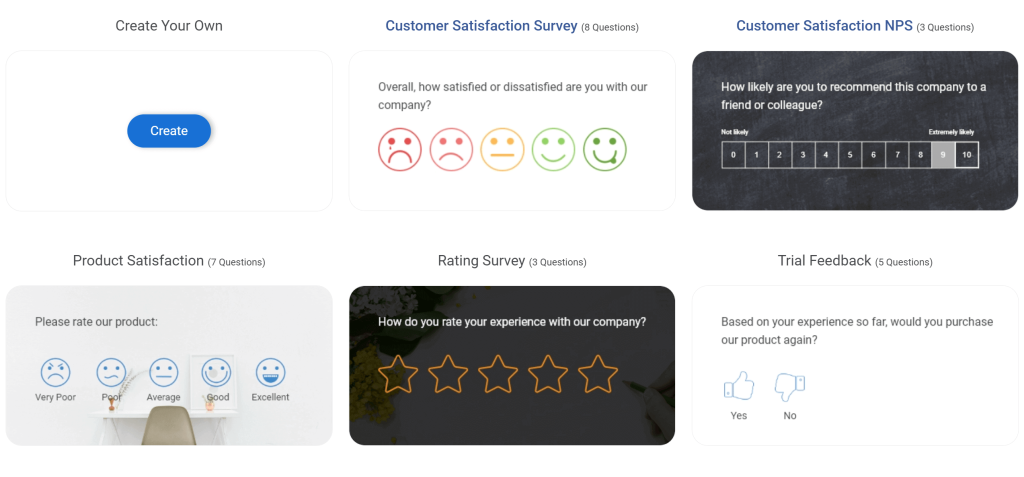
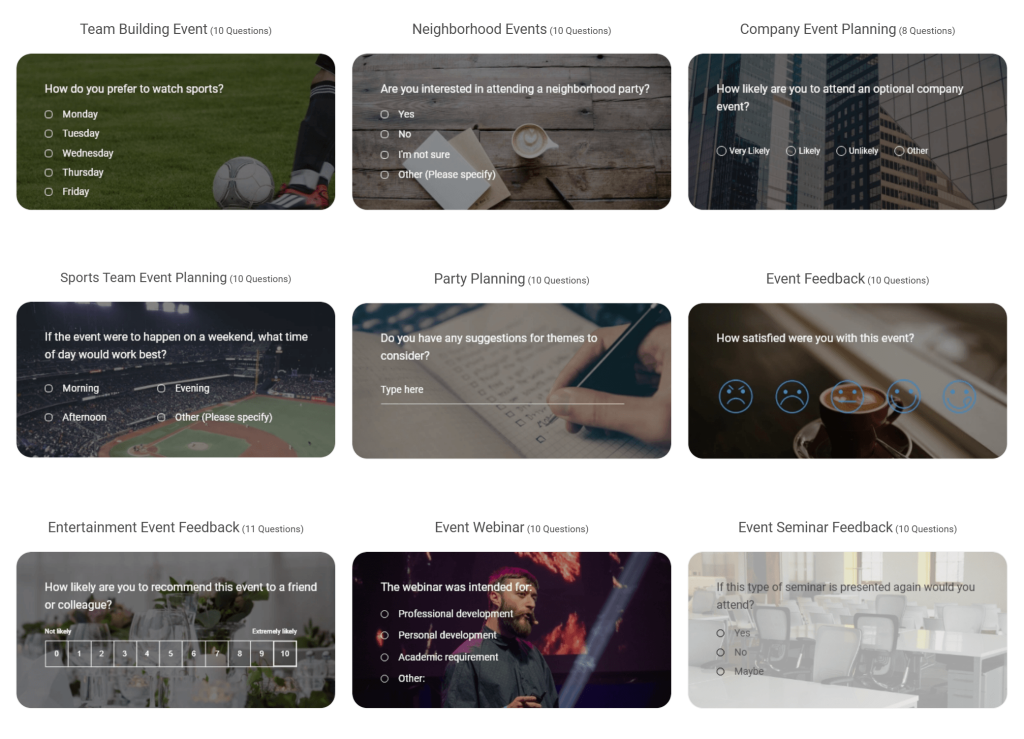
Here are a few customer experience survey templates:
Product and Feature Prioritization
Use these product survey questions when a product or marketing team needs to decide what to build or promote next.
| Ranking Question | What It Gauges |
| Rank these upcoming features by how much you’d use them: dark mode, offline access, bulk export, and custom dashboards. | Which feature to prioritize on the roadmap based on real demand |
| Rank these evaluation criteria by weight in your final purchase decision: total cost of ownership, setup time, vendor support responsiveness, and scalability. | The real purchase decision hierarchy, not the one your sales team assumes |
| Rank these product benefits from most to least valuable to your work: time saved, cost reduction, accuracy, and team collaboration. | Which value proposition to lead with in messaging |
| Rank your top three reasons for choosing us over other options. | Competitive positioning strengths you can double down on |
If the same feature lands in the top two across most segments, it goes on next quarter’s roadmap without further debate.
If the results are split by segment, for example, enterprise customers rank integrations first while small teams rank price first, you’re looking at two different roadmaps, not one.
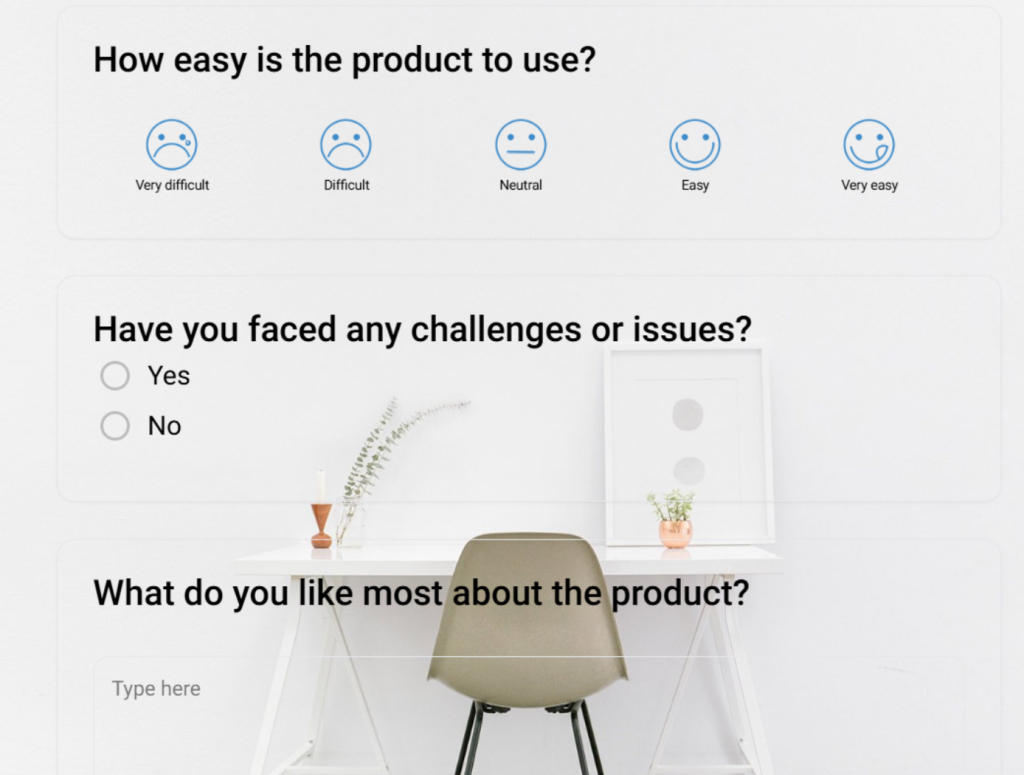
Here’s a product satisfaction survey template you can use:
Employee Engagement and HR Programs
Use these for engagement surveys, benefits reviews, or program planning, one of the highest-volume use cases for HR teams evaluating survey tools.
| Ranking Question | What It Gauges |
| Rank these workplace benefits by importance to you: flexible hours, health coverage, learning stipend, and remote work options. | Which benefit should be protected or expanded during budget planning |
| Rank these factors in your decision to stay with the company: growth opportunities, compensation, manager support, and work-life balance. | Retention drivers, you can act on before someone leaves |
| Rank these team-building activity options: lunch and learn, offsite retreat, volunteer day, skills workshop. | Which activity to actually schedule, based on real interest, not guesswork |
| Rank these onboarding resources by how useful they were in your first 30 days: manager check-ins, buddy system, training modules, documentation. | Where the onboarding program is strong versus where it’s just present |
Run the benefits ranking question before your next open enrollment or budget cycle, not after.
It’s the difference between adjusting a program proactively and finding out in exit interviews that you cut the wrong thing.
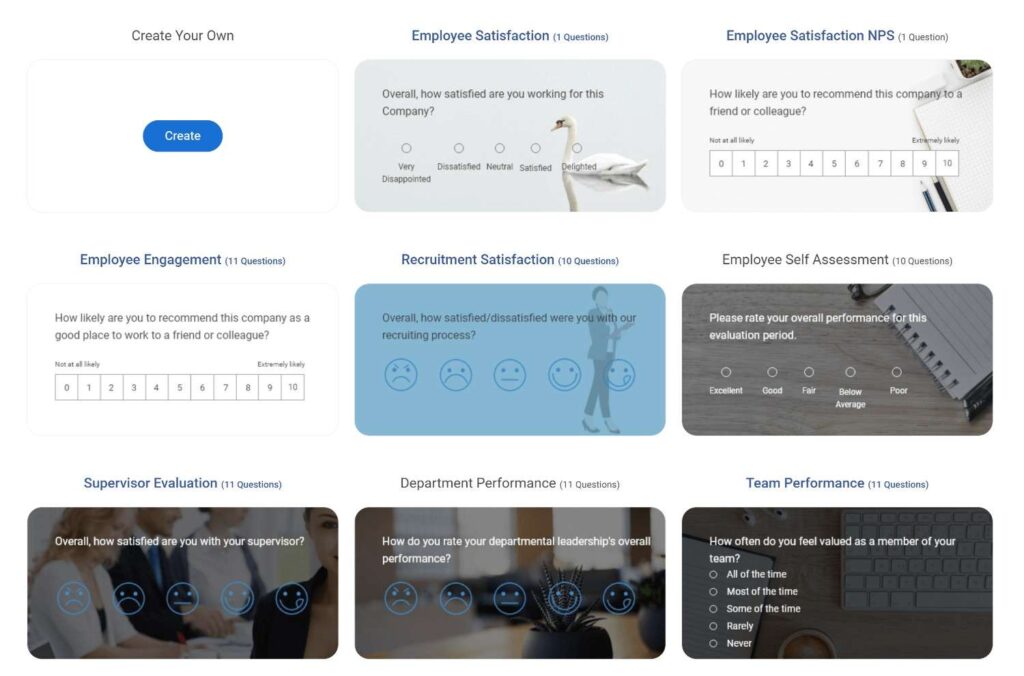
Here are a few employee and HR survey templates you can use:
Helena Romero, an HR Specialist at College Hospital Cerritos, used ProProfs to hit 100% survey compliance in a shorter time period than her previous process; the kind of result a ranking-driven benefits review is built to produce.

Market Research and Brand Perception
Use these when you’re gathering input from prospects or the broader market, not existing customers.
| Ranking Question | What It Gauges |
| Rank these brands by how likely you’d be to purchase from them. | Competitive standing in the consideration set |
| Rank these channels by where you’re most likely to discover a new product: social media, search, email, referral. | Where to shift the acquisition budget |
| Rank these factors by how much they’d influence your purchase decision: price, reviews, brand reputation, and sustainability. | The real weight of brand equity versus price in your category |
Send this to a prospect list, not your customer base. Existing customers have already chosen you, so their answers won’t tell you what tips a first-time buyer’s decision.
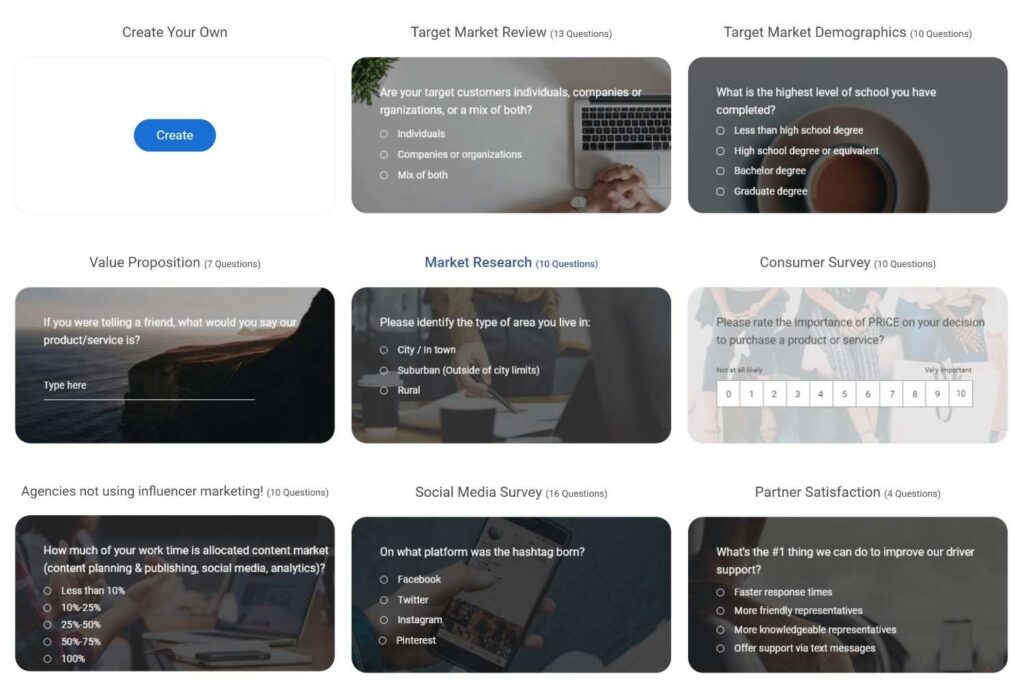
Here are a few market research survey templates you can use:
Event Planning and Attendance
Use these event survey questions to decide format, timing, or sessions before you lock an agenda.
| Ranking Question | What It Gauges |
| Rank these session topics by your level of interest. | Which sessions to schedule in the main track versus breakout rooms |
| Rank these event formats: in-person, virtual, hybrid. | Whether your planned format actually matches the attendees’ preferences |
| Rank these reasons for attending: networking, learning, product updates, and industry trends. | What to emphasize in your event marketing and agenda design |
Send this ranking question at registration, not after the event. You want the answer to shape the agenda, not just explain attendance numbers after the fact.
Here are a few event survey templates you can use:
Steps to Build a Ranking Question in ProProfs Survey Maker
If you’re setting this up for the first time, here’s the actual process, not the theory.
Below is the step-by-step breakdown:
Step 1: Start With the AI Survey Maker: Skip the Blank Page
Open ProProfs Survey Maker and describe your goal in plain language, for example, “Create an employee engagement survey with a ranking question for workplace benefits, aimed at a 50-person team.”
Try it here:
Let ProProfs AI Build a Survey
Describe your survey and we'll create it for you
The AI Survey Maker returns a complete, editable survey in seconds, including the ranking question, item list, and any supporting questions you’d typically pair with it.
If you already have existing material, upload it instead of typing a prompt.
Drop in a PDF of last year’s engagement survey, a DOCX of program notes, or a TXT file of draft questions, and the AI Survey Maker builds from that content directly rather than starting blank.
This is the faster route if you’re revising a survey you’ve run before.
Step 2: Choose Your Ranking Format: Drag and Drop or Numeric
Open the question editor and check the format that the AI Survey Maker assigned.
If your audience is mostly on desktop, drag and drop is the more intuitive choice, and it’s the default for most templates.
If you expect a majority of mobile respondents, switch it to the numeric or select box format from the 20+ question types available, since dragging items on a small screen is where most drop-off happens.
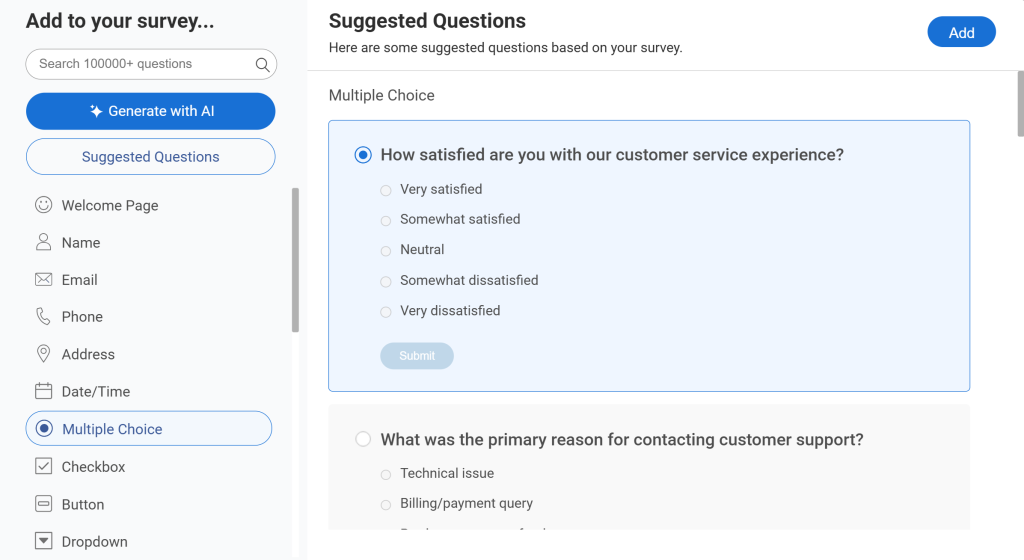
Step 3: Set the Item List and Direction Label: Keep It to 5 to 7
Edit the item list down to 5 to 7 entries if the AI-generated draft included more.
Ask the AI to rewrite the question text to state the direction outright, for example, “Rank the following from 1 to 5, with 1 being most important.”
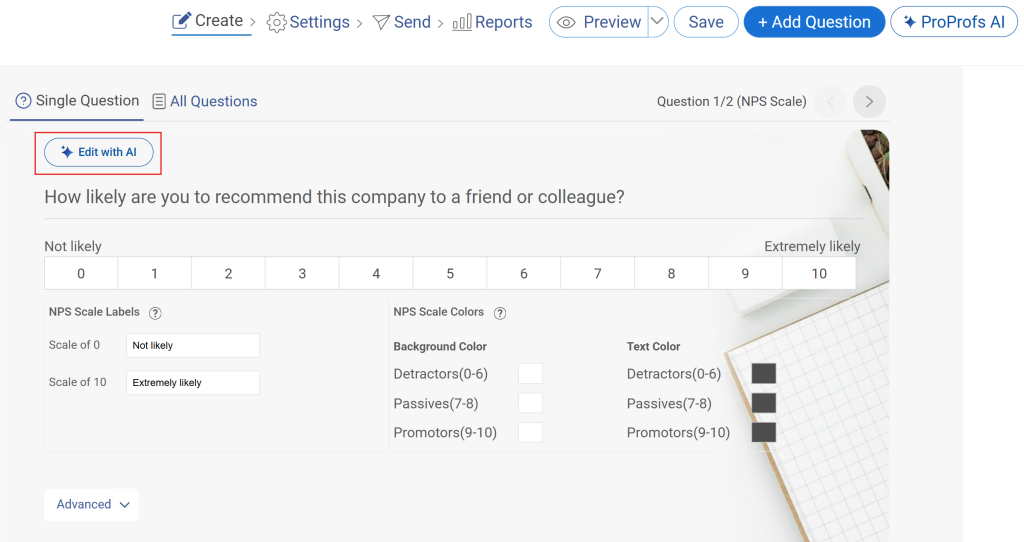
Don’t leave this to the answer labels alone. Respondents skim the question text first, and that’s where the instruction needs to live.
Step 4: Add Skip Logic if Needed: Remove Irrelevant Items
If an earlier question in your survey makes one of the ranking items irrelevant to a specific respondent, for example, someone who already opted out of remote work shouldn’t rank “remote work options” as a benefit, set up skip logic and branching so that the item is automatically excluded for them.
This keeps every respondent ranking a list that’s actually relevant to their situation, instead of forcing them to include an option they have no real opinion on.
Here’s how it works:
Step 5: Preview on Mobile Before Sending: Catch Drag and Drop Issues
Use the preview mode to open the survey on an actual phone, not just a resized browser window.
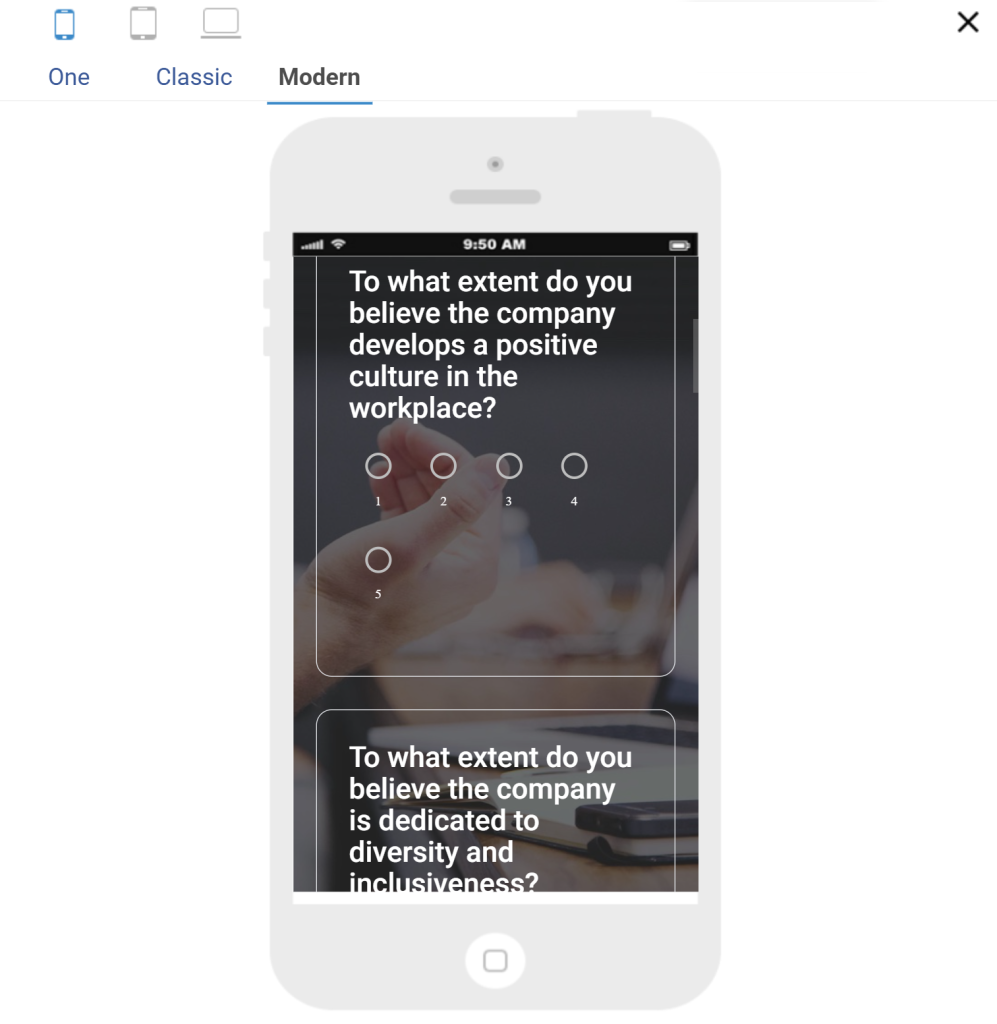
Try dragging the items yourself. If it feels clumsy on a 6-inch screen, switch that question to the numeric format before you distribute.
Once it checks out, send it by email, social link, QR code, or website embed, whichever channel matches where your audience already spends time.
A consultant running scored discovery assessments faces the same setup problem: building point-weighted questions from scratch eats time better spent with clients.
ProProfs Survey Maker’s scored surveys let you assign point values to ranked or ranked-adjacent responses and automatically route respondents to a custom result page, without per-user fees eating into a small team’s budget.
Rank Order Survey Question Examples by Format Type
The wording is only half the job. The format you choose changes whether respondents finish the question and whether the data is usable afterward.
Here’s a rank order survey question example for each format ProProfs Survey Maker supports.
| Format | Rank Order Survey Question Example | Best For |
| Drag and Drop | Drag these features into order of importance to you, with the most important at the top. | Short lists (5 to 7 items) for desktop-heavy audiences |
| Numeric or Select Box | Assign a rank from 1 to 5 to each factor below, where 1 is most important. | Mobile respondents, or lists where drag gestures are unreliable |
| Top-N Ranking | From this list of 10 benefits, select and rank your top 3. | Long lists where forcing a full rank would cause a drop-off |
| Forced-Choice Pairs | Which matters more to you: price or turnaround time? (repeated across pairs) | Items with close perceived value where a simple list won’t separate them |
Numeric and select box formats also solve a real accessibility gap.
Drag and drop is hard for respondents using screen readers, so offering a numeric alternative isn’t just a nice-to-have; it’s how you avoid losing valid responses from a portion of your audience entirely.
If you’re not sure which to pick, work backward from your list length and audience.
Under 7 items on a desktop-heavy list, go with drag and drop. Anything mobile-first, switch to numeric.
Past 8 items, don’t force a full rank at all, use top-N, so respondents pick and order only their top 3.
FREE. All Features. FOREVER!
Try our Forever FREE account with all premium features!
How Do You Write Ranking Survey Questions That Actually Work?
A well-worded question with the wrong setup still produces bad data. Walk through these five checks before you publish.
1. Cap the List at 5 to 7 Items: Past 8 to 10 options, respondents start ranking randomly just to finish, and your middle-of-list data becomes noise you can’t trust. If you’re tempted to include 12 product features, pick the top 6 that matter most to your decision and drop the rest, or move to a top-N format instead.
2. State the Direction Explicitly: Write “1 is most important, 5 is least important” directly in the question text, not just in the answer labels. Weak version: “Rank these features.” Strong version: “Rank these features from 1 to 5, where 1 is the feature you’d miss most if it were removed.”
3. Keep Items Comparable: Don’t ask someone to rank “price” against “customer support team’s coffee machine.” If items aren’t in the same category of importance, the ranking means nothing. Before you finalize the list, read it out loud. If any two items feel like they’re not really competing for the same kind of attention, split them into a separate question.
4. Randomize Item Order: Whatever appears first tends to get ranked higher, regardless of actual preference. Look for a randomize or shuffle toggle in your survey tool’s answer settings, and turn it on for any ranking question with more than 4 items.
5. Test on Both Desktop and Mobile Before Launch: A drag-and-drop question that works fine on your laptop can be genuinely difficult to complete on a phone screen. Send yourself a test link, open it on your own phone, and actually complete the question before you send it to a single real respondent.
What Are the Best Practices for Ranking Survey Questions?
Writing the question correctly gets you clean data from one send. These practices are about getting reliable, comparable data across your whole program.
Limit Ranking Questions to One or Two per Survey
Ranking is more cognitively demanding than a rating scale or multiple-choice. Stack three or four of them back to back, and completion rates drop fast.
Use ranking for the one or two decisions that actually need prioritization, and handle everything else with lighter question types.
Pair Ranking with an Open-Ended Follow-Up
A ranking question tells you the order, not the reasoning behind it.
Add a short open-ended question right after, like “What would need to change for your top choice to move to number one?” to capture the context a rank alone can’t.
Pilot Test Before a Full Send
Send the survey to a small segment first, maybe 20 to 30 respondents, and check completion time and drop-off before you push it to your full list.
This catches a confusing item list or a broken mobile interaction before it costs you real response volume.
Segment Results by Respondent Group
An aggregate ranking can hide real differences. Break the results down by department, region, tenure, or customer tier before you act on them.
A benefit ranked third overall might be ranked first among the group you’re trying to retain.
Keep Item Wording Identical Across Repeat Surveys
If you’re tracking priorities quarterly or annually, don’t reword the items between waves, even slightly.
Small wording changes make it impossible to tell whether a shift in ranking reflects a real change in preference or just a different way of asking.
The Real Cost of Guessing Wrong on Priorities
Every ranked list you run is a bet on where you put next quarter’s budget, headcount, or product sprint.
Get it wrong, and the benefit you protected wasn’t the one people wanted, or the feature you shipped was fourth on the list all along.
ProProfs Survey Maker takes the guesswork out of that bet.
Build the ranking question with AI in seconds, run it without per-user fees eating into a small team’s budget, and read the results through reporting simple enough for a non-technical stakeholder to act on the same day.
And you can test all of this on ProProfs Survey Maker’s forever-free plan before committing to anything.
Frequently Asked Questions
What is the difference between a ranking question and a rating question?
A rating question scores each item on its own scale, so two or more items can end up with the exact same score. A ranking question forces respondents to place every item relative to the others, with no ties allowed. Use rating when you want to measure satisfaction or agreement, and ranking when you need a clear order of priorities to act on.
How many items should a ranking survey question include?
Keep the list to 5-7 items whenever possible. Platform guidance and survey research consistently show that respondents rank the top few and bottom few items reliably, but rankings in the middle of a longer list become increasingly unreliable. Past 8 to 10 options, respondents tend to rank quickly just to finish, which produces data you can't trust for decisions.
Should I use drag-and-drop or numeric ranking?
Use drag-and-drop for shorter lists with desktop-heavy audiences, since it's the most intuitive way to reorder items visually. Switch to numeric or select-box ranking for mobile-heavy respondent groups, or whenever accessibility matters, since dragging items is difficult for screen reader users and can be finicky on smaller touchscreens, leading to more drop-off.
Can I let respondents rank only their top 3 instead of the full list?
Yes, this is called top-N ranking. It's the better choice whenever your list runs past 7 or 8 items, since it reduces the cognitive load of ranking everything and lowers drop-off. You still capture the preferences that matter most for decision-making, even though you lose visibility into how the lowest-ranked items compare to each other.
Why does my ranking question data look messy or hard to analyze?
Ranking data is typically reported as weighted averages, so if your item list was too long or the ranking direction wasn't clearly labeled in the question text, the resulting scores will appear inconsistent or hard to interpret. Shortening the list to 5-7 items and explicitly stating the direction fixes most of this at the source, before survey analysis even begins.
Does randomizing the item order actually matter?
Yes, it matters more than most people expect. Items shown first in a list tend to get ranked higher purely because of their position, regardless of a respondent's actual preference. This is known as order bias. Randomizing the item order for each respondent removes this bias from your results and gives you a more accurate picture of your audience's true priorities.
Can ranking questions tell me why respondents chose that order?
No, ranking questions only show you relative preference, not the reasoning behind it. You'll know that price was ranked above support, but not why. If you need that context, pair the ranking question with a short open-ended follow-up question, such as asking what would need to change for the second-ranked item to move into first place.
Is a forced ranking, where respondents must rank every item, a good idea?
Forced ranking works well for strategic decisions like budget allocation or resource prioritization, where you genuinely need a complete order. But it can increase drop-off if the list is long or if some items feel irrelevant to certain respondents. Reserve forced ranking for shorter, carefully chosen lists where every item is realistically relevant to everyone answering.
FREE. All Features. FOREVER!
Try our Forever FREE account with all premium features!

 We'd love your feedback!
What did you like & how can we make it even better?

 Thanks for your feedback!
 Ask Your Question
Have a question? Get expert help to make your decision easier.